
Live classes · Ages 6–16
The lesson where it finally clicks.
Live classes with four learners at most — or one to one, if that suits them better. Either way nobody hides at the back, and you can sit in on any lesson.
First class for No subscription · Cancel anytime
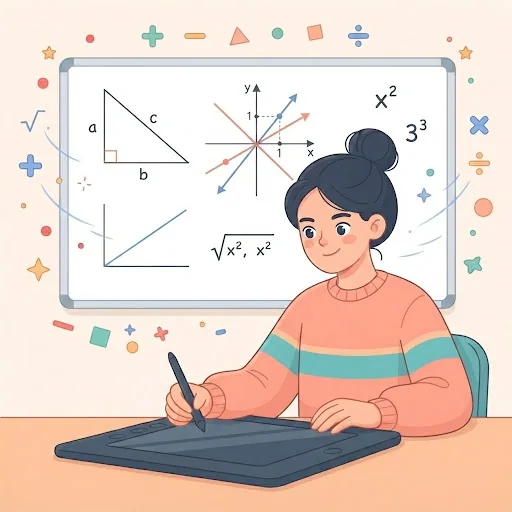
Maths · Ages 13–14
5:00 PM · 50 min
You can join this class
What they can learn
Pick the one they will not want to miss.


Why parents start looking
You notice it long before a report card does.
Falling behind rarely looks like failing. It looks like a child who has quietly decided that asking is worse than not knowing.
- They stopped putting their hand up.
- Homework takes twice as long as it used to.
- “I’m just bad at maths.”
- You only hear about it at parents’ evening.
None of that is about ability. It is about how much attention one adult can give at once.
Teacher time per child
1.7min each, in a 50-min class
Example class
From families we already teach
“My 11-year old managed to complete the course successfully — each lesson they learn something advanced from the last.”
Start here
Two questions, and you have their class.
No form, no account, no waiting. Answer, and the actual classes appear right here.
Whichever you pick, the first class is .
No subscription · Cancel anytimeTheir first evening
Three steps, and none of them are homework for you.
- 1
Pick a class
Choose by age and subject. Every open time is a real teacher’s real availability.
- 2
Book the slot that fits
Pay per class, or for the whole course at less per class. That is the entire decision.
- 3
They join, you can too
A link arrives by email with a calendar invite. Your child joins on a laptop — and so can you, any time.
Once a class finishes, its recording will appear on your child’s own page — the lessons they actually attended, theirs to rewatch. It is not switched on yet; until it is, a missed class is rescheduled rather than replayed.
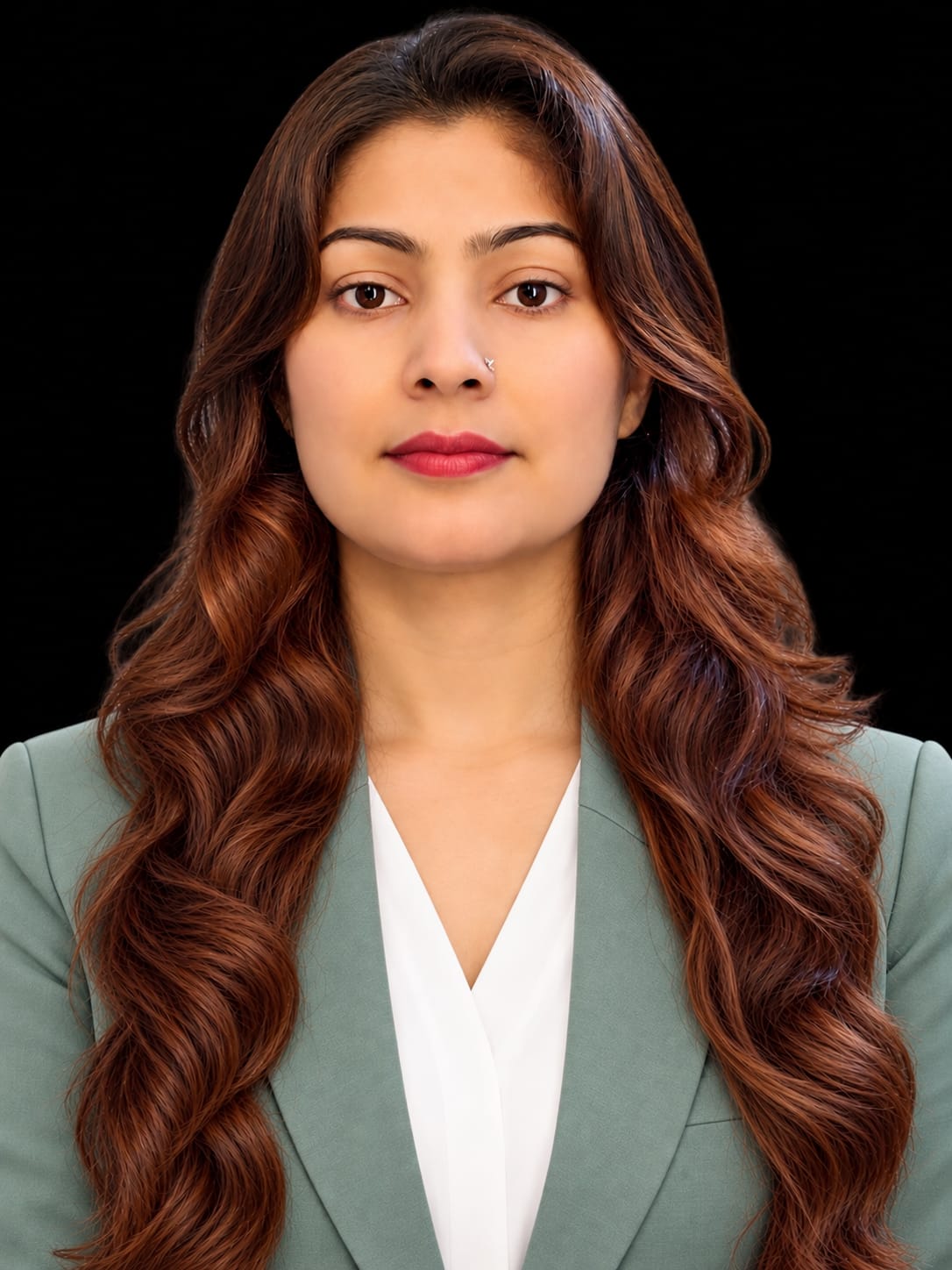
Still teaches
every week, on this platform
Who is behind nex2school?
I built nex2school because every child deserves to be seen, heard, and prepared for the future.
I am Shriti, an educator with 16 years of teaching experience. I started nex2school with a simple vision: to give children the personal attention, confidence, and hands-on learning opportunities they need to reach their full potential.
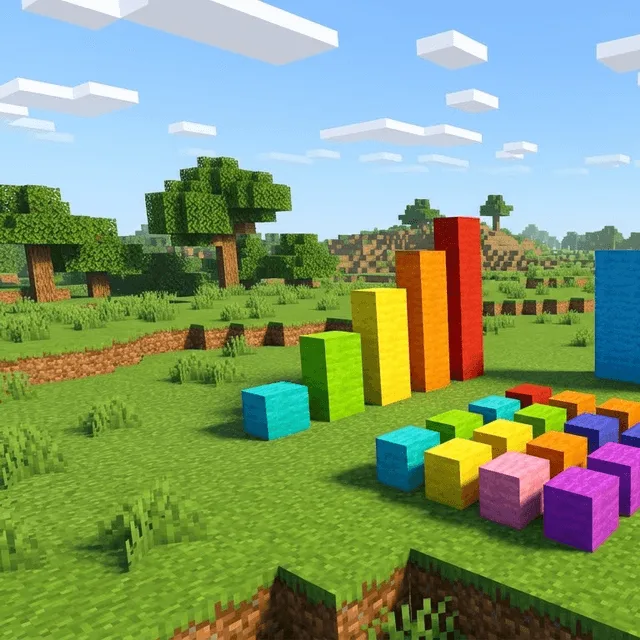
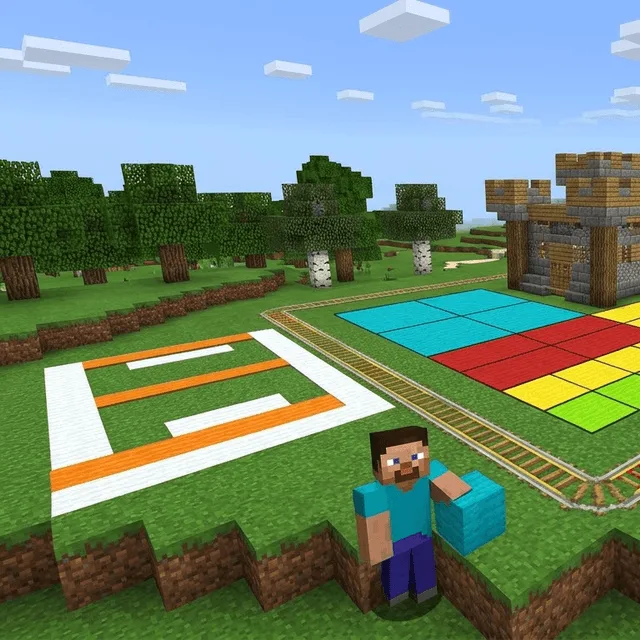
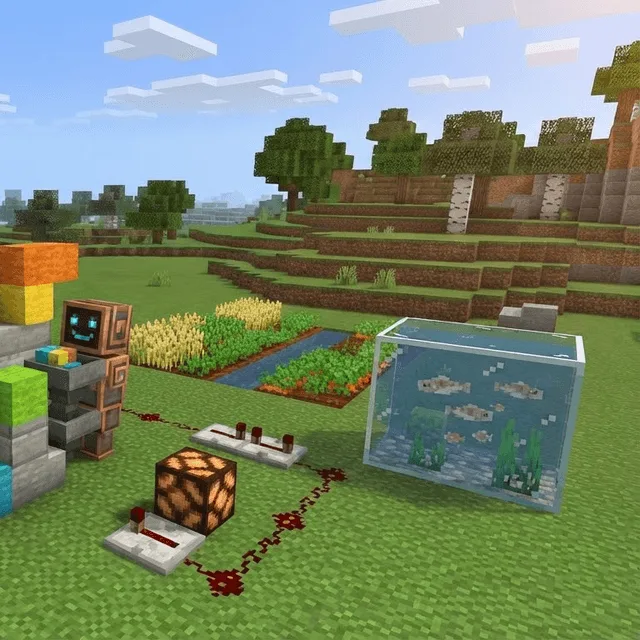
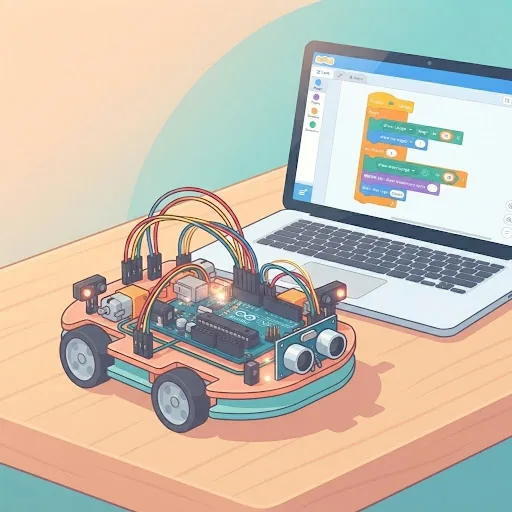
As a teacher, I know that every child learns differently. That is why I bring Mathematics, Coding, AI, Robotics, and Minecraft together in engaging, small-group learning experiences where children can ask questions, explore ideas, solve problems, and create something of their own.
Because as a parent, you want more than good grades. You want your child to think independently, embrace challenges, and feel confident about what comes next. That is the future I want to help every child build.
Shriti Dhuliya
Founder & Educator, nex2school
If it is not right, you are not stuck with it.
- Cancel or reschedule any class, whenever you need to.
- No subscription — nothing renews quietly in the background.
- Sit in on any lesson, unannounced, and decide for yourself.
The questions parents actually ask.
What if we need to move a class?
Cancel or reschedule it. Changing your mind costs nothing and needs no explanation.
What does my child need?
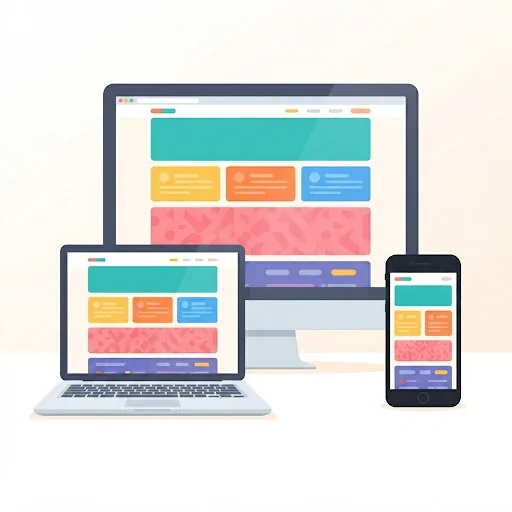
A laptop or computer with a camera, and somewhere quiet enough to talk. Not a phone or a tablet — the coding and design tools we teach with need a real screen and keyboard.
What ages do you teach?
Six to sixteen. Every course states the ages it is written for, and the catalogue hides anything that would not suit your child once you have told us their age.
One hour. Four learners. Their teacher will know their name.
Pick a class that fits their age and your evening, and see what happens when somebody has the time to notice.